
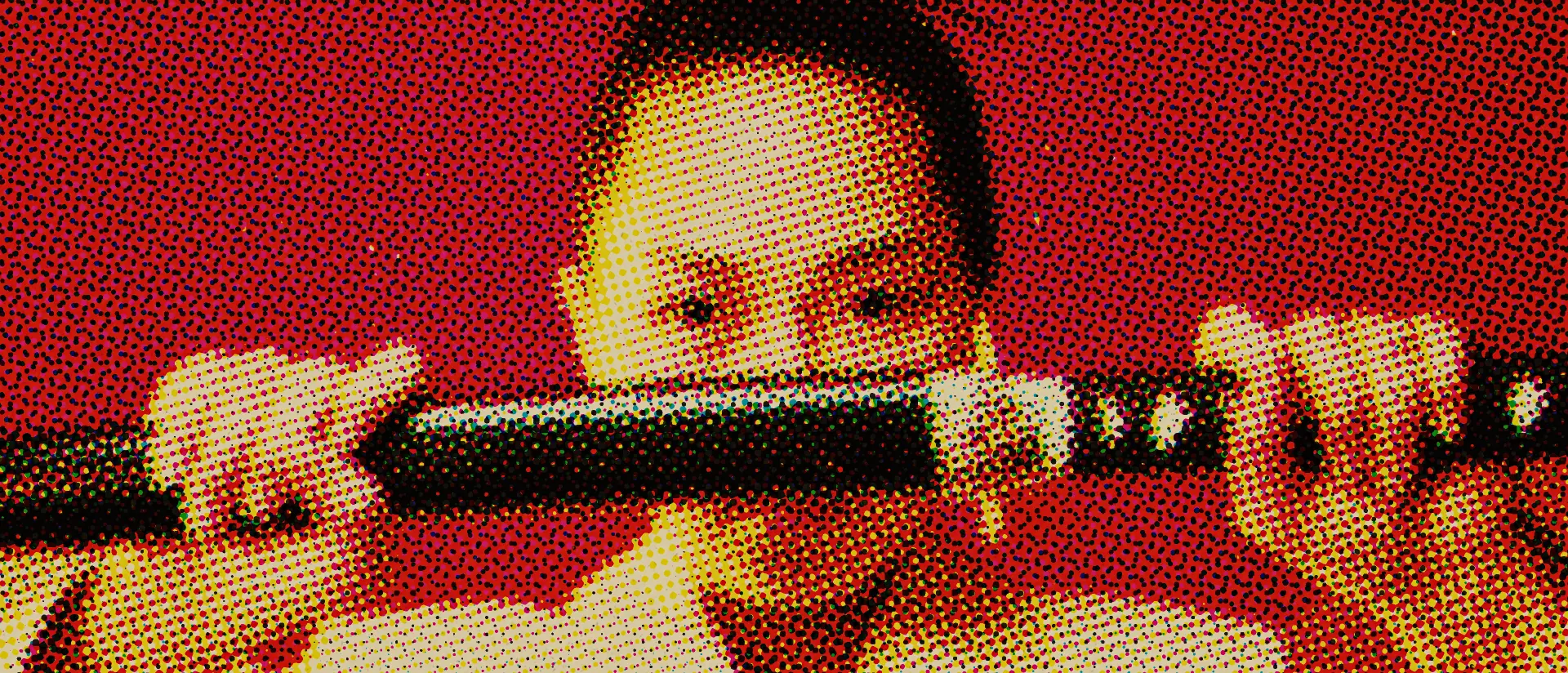
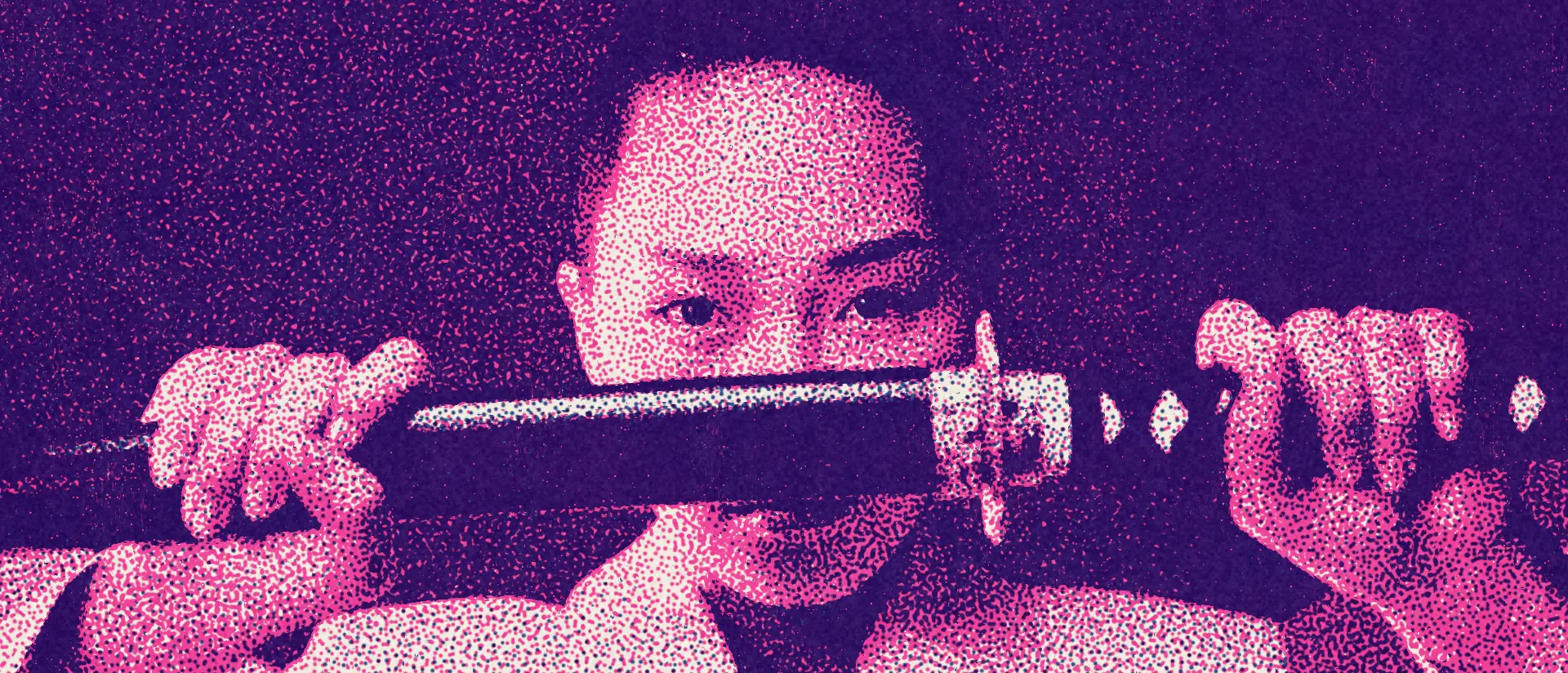
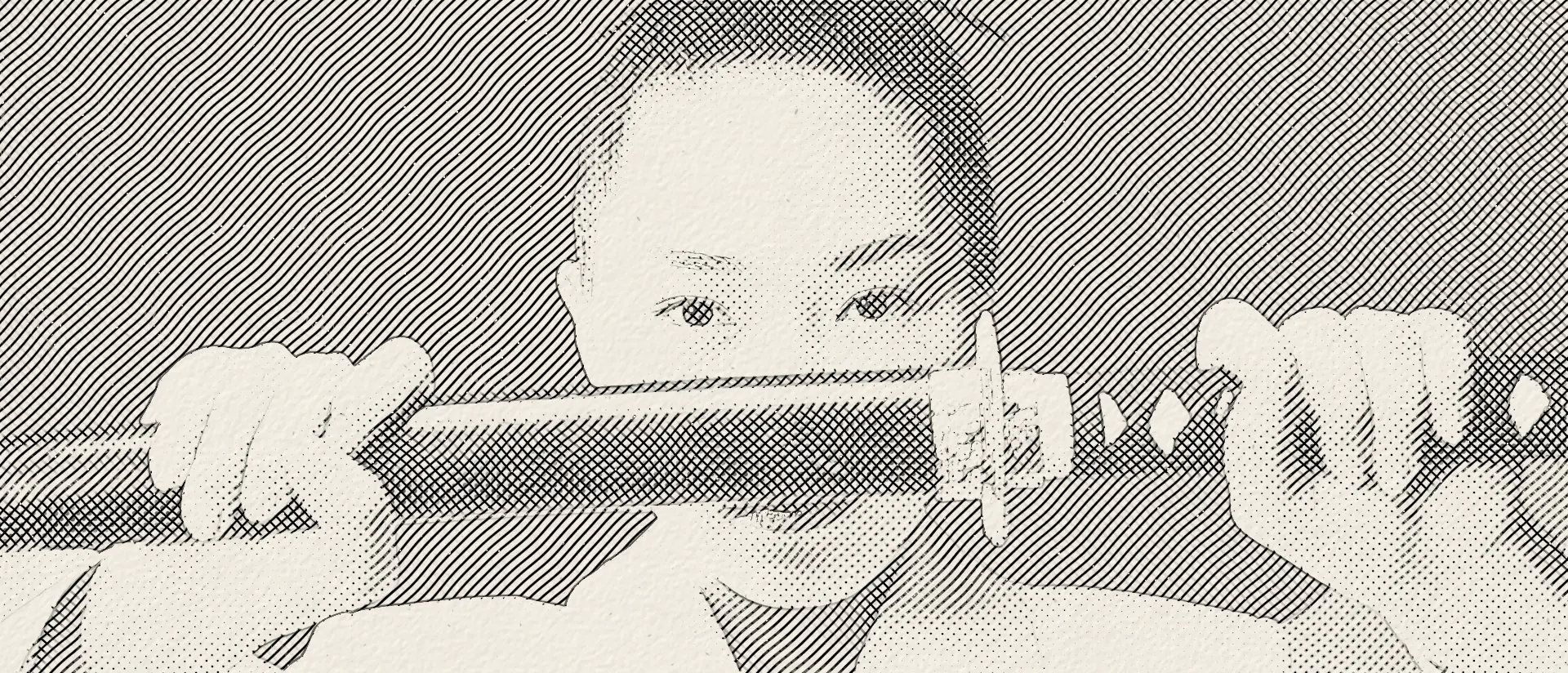
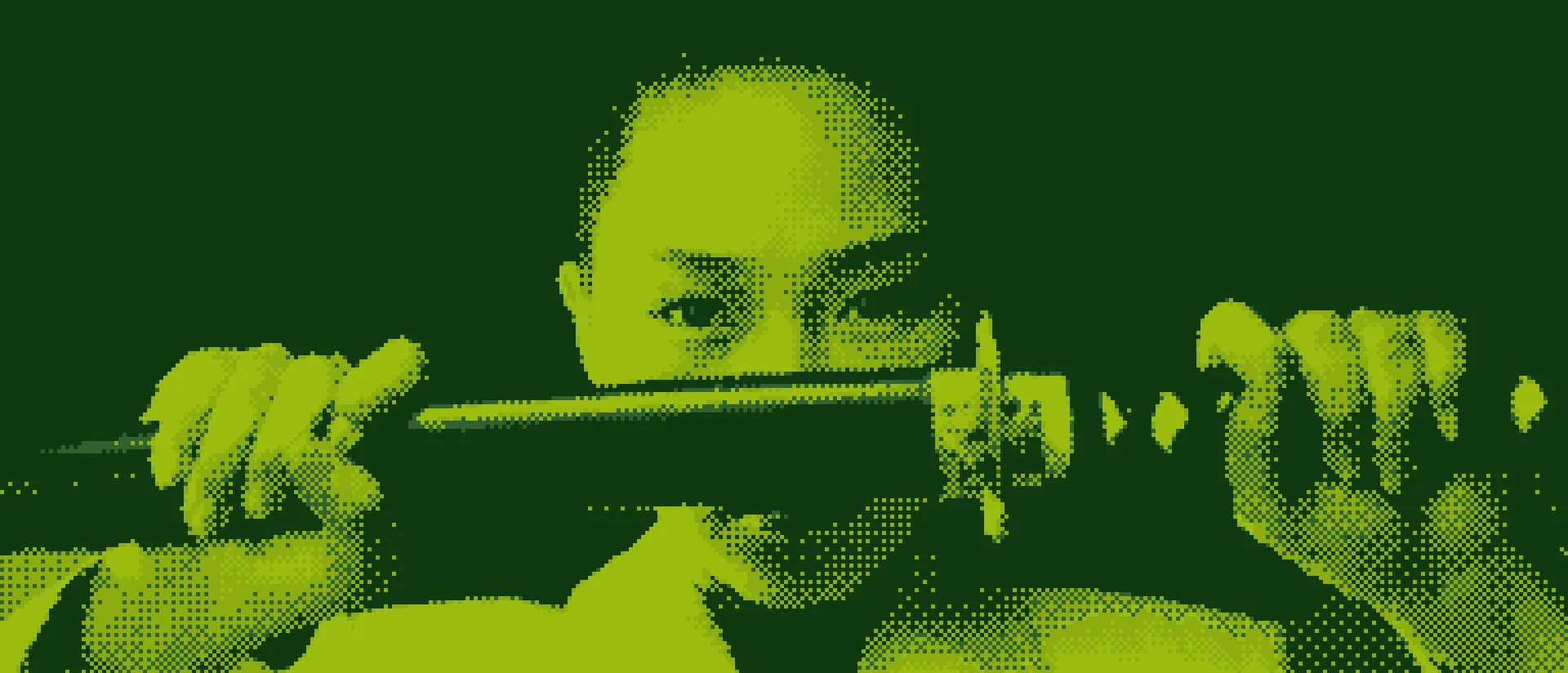
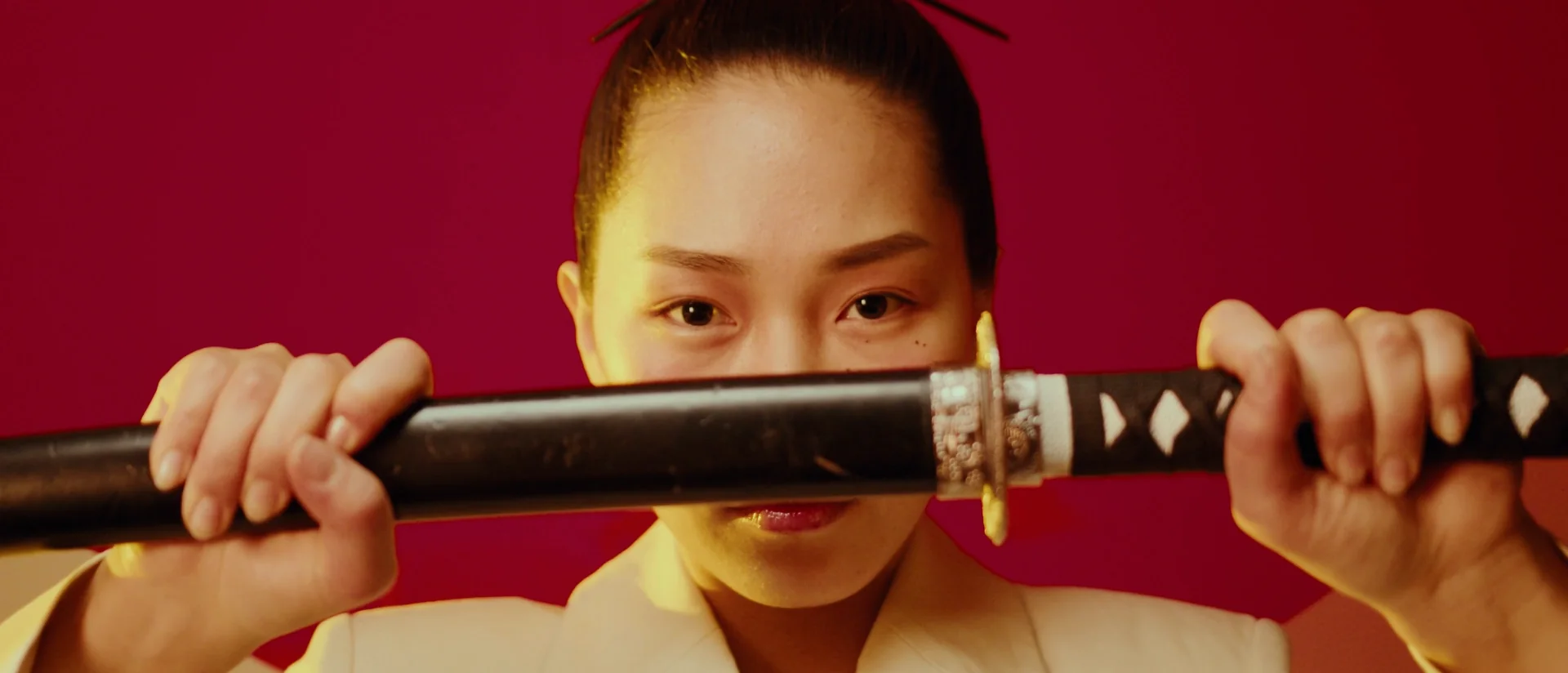

A print shop in your timeline.
Nx Press rebuilds every frame the way a press would: separated into inks, broken into dots, lines or pixels, and laid on paper that has a grain and a history of its own. Four print processes and twenty-five Looks, for DaVinci Resolve, Premiere Pro, After Effects, Final Cut Pro and Motion.
Free to try on your own footage. One license, two machines, every host.
Four presses, twenty-five Looks.
Each process prints in its own way and has its own controls. Pick a Look from the strip under any picture. The swatches are actual-size details, and every one was printed by the plug-in from stock footage. Move the pointer over a picture to look at the marks through a loupe.
Halftone
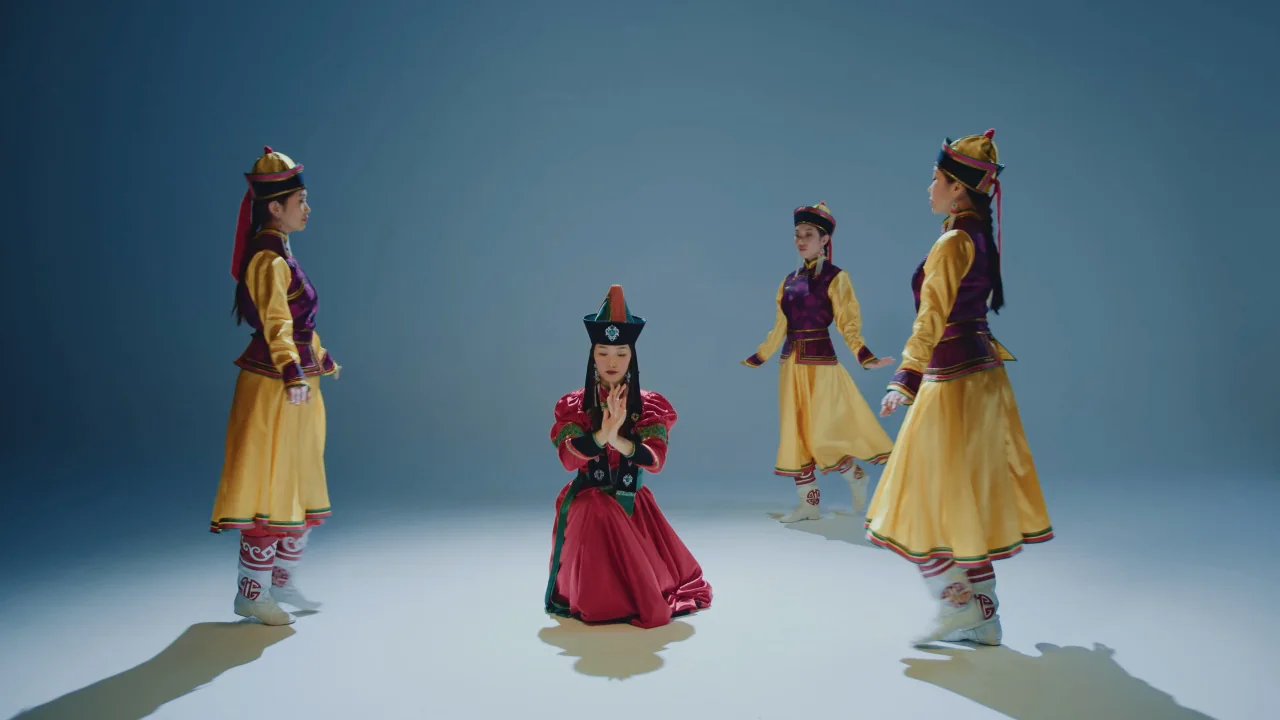
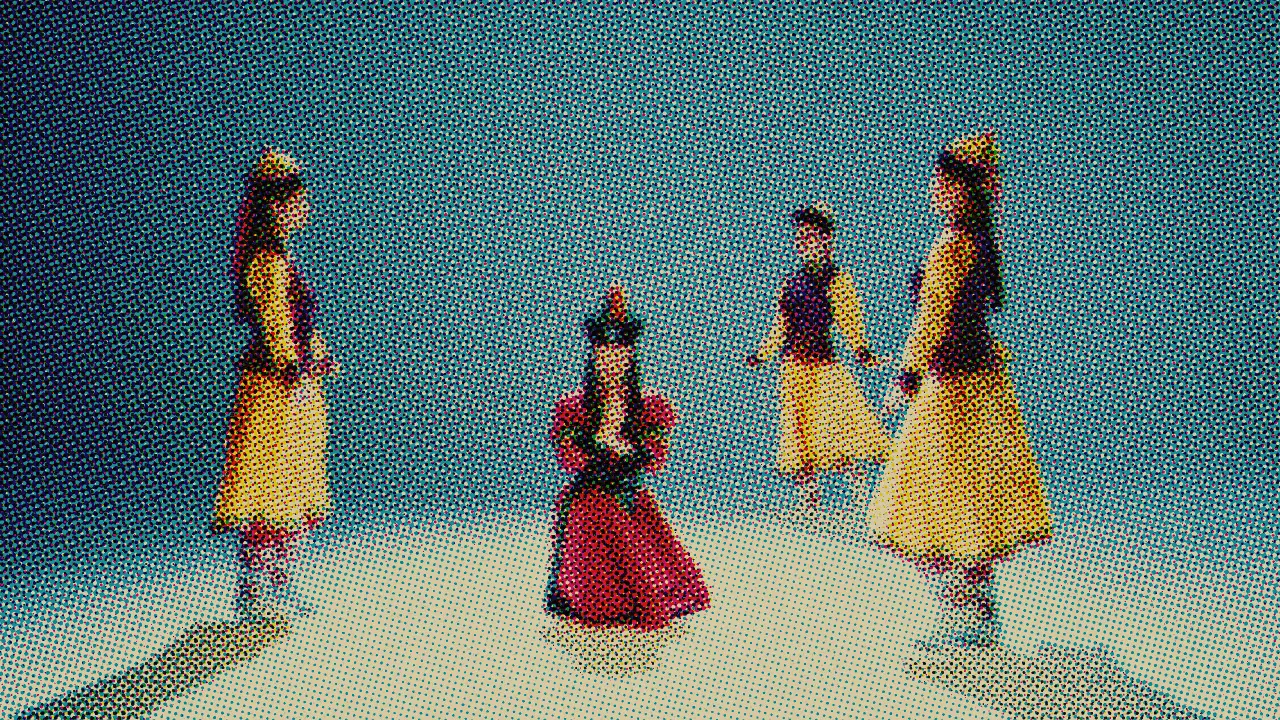
One to four inks, each screened into dots, lines or grain that swell where the ink is needed. Twenty-one patterns, from classic print dots to mezzotint and engraved waves, with the rulings and plate angles of a real press.
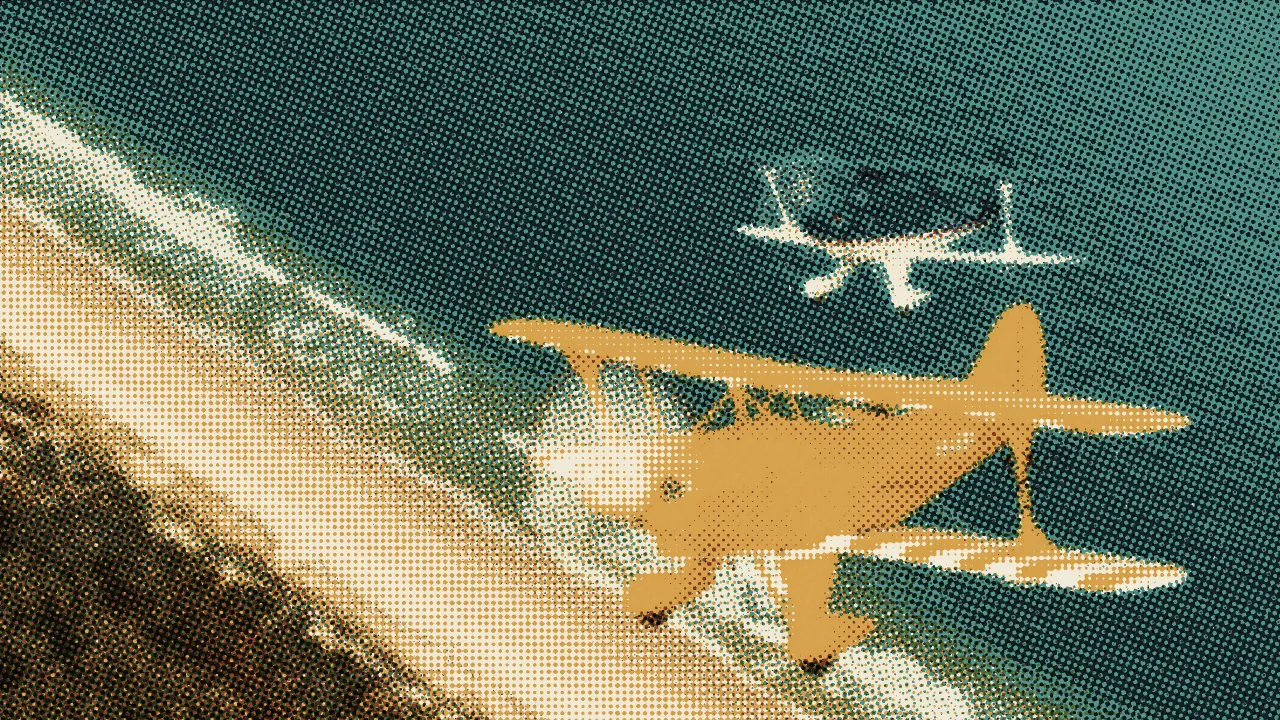
Risograph
Up to three drums of spot ink pushed through a stencil. The colours are bright and flat, they make new ones where they overlap, and each drum lands a little off the last.
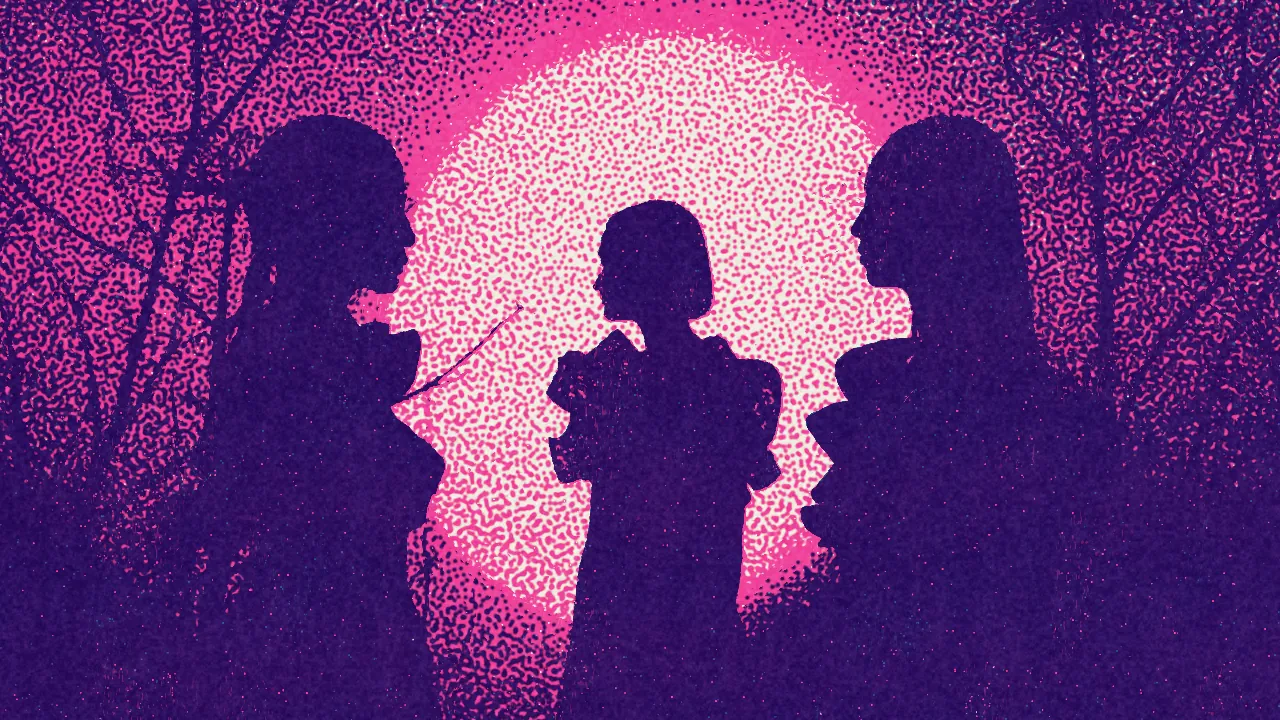
Engraving
Hatching and stipple that curve with the forms of the picture, and contour lines traced over them, the way an illustrator engraves a portrait. Colorize lets every mark take the colour underneath it.
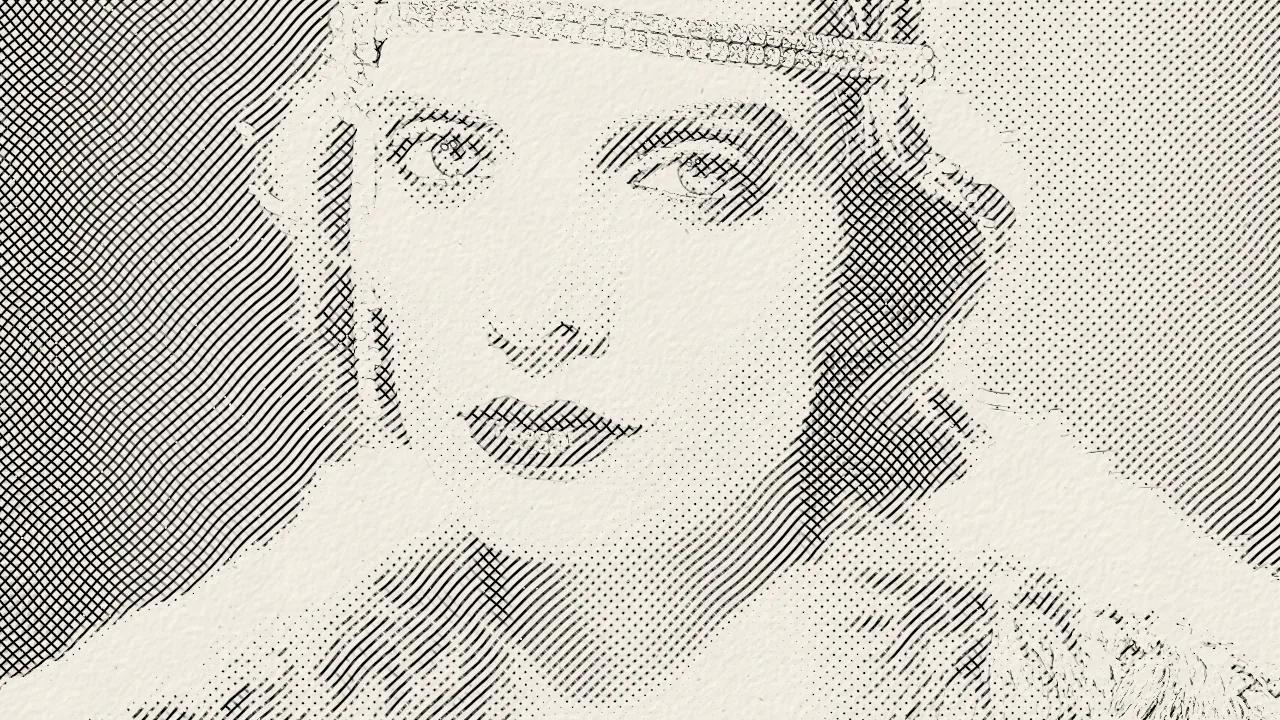
Dither
The picture cut down to a handful of colours, in the patterns of early computers, handheld game screens and terminals. Four families of dither, more than forty algorithms and thirteen palettes.
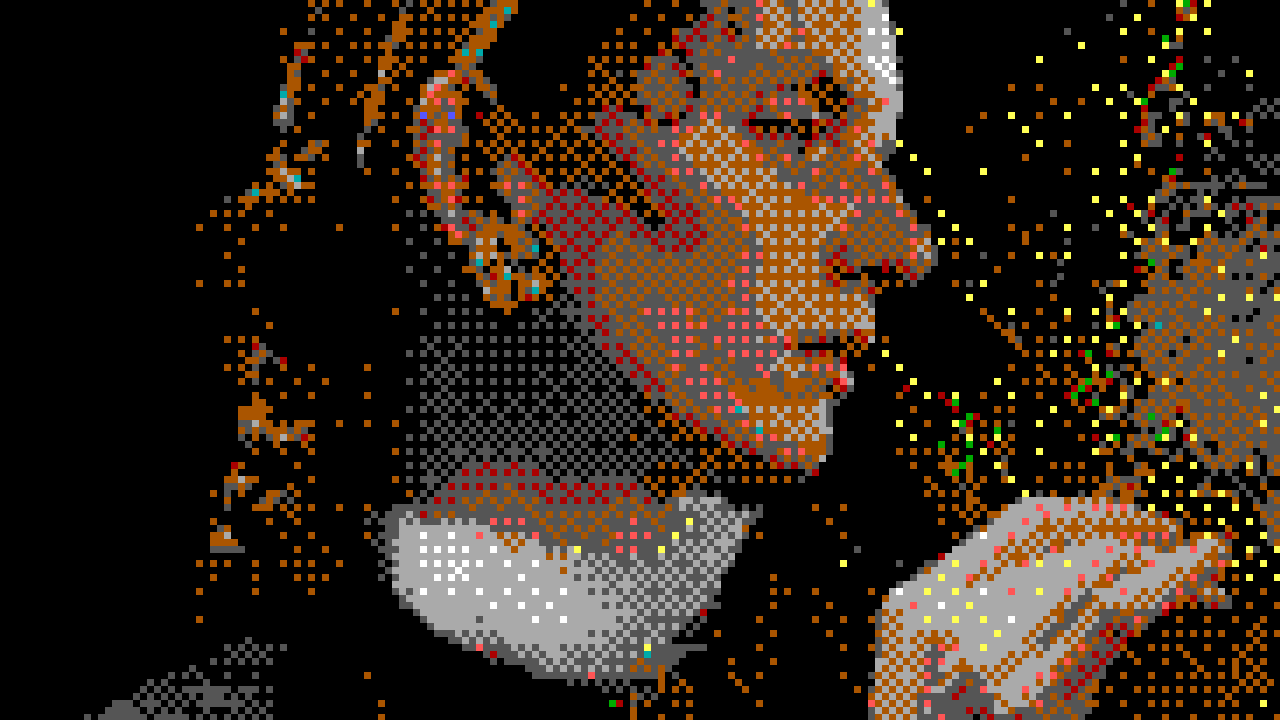
Pull the plates apart.
A Risograph print is built one ink at a time. Take a drum off the press to see what it carried, then knock the plates out of register, the way a real machine never quite avoids.
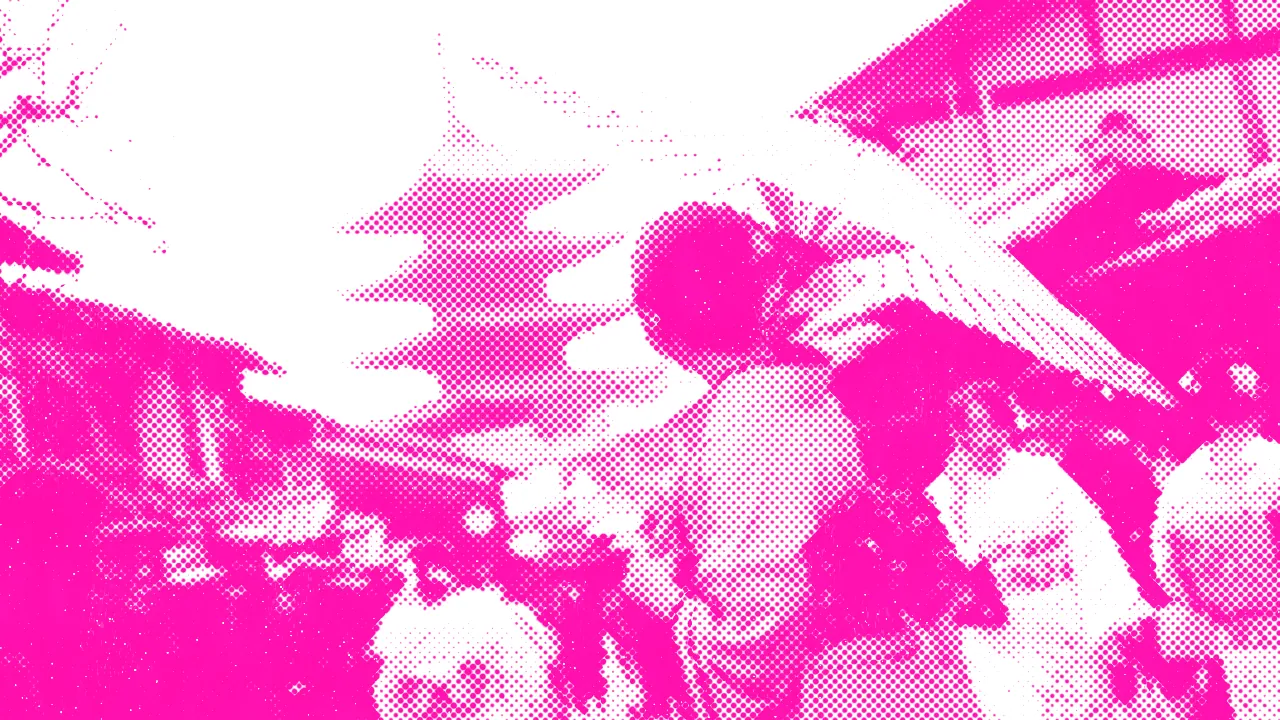
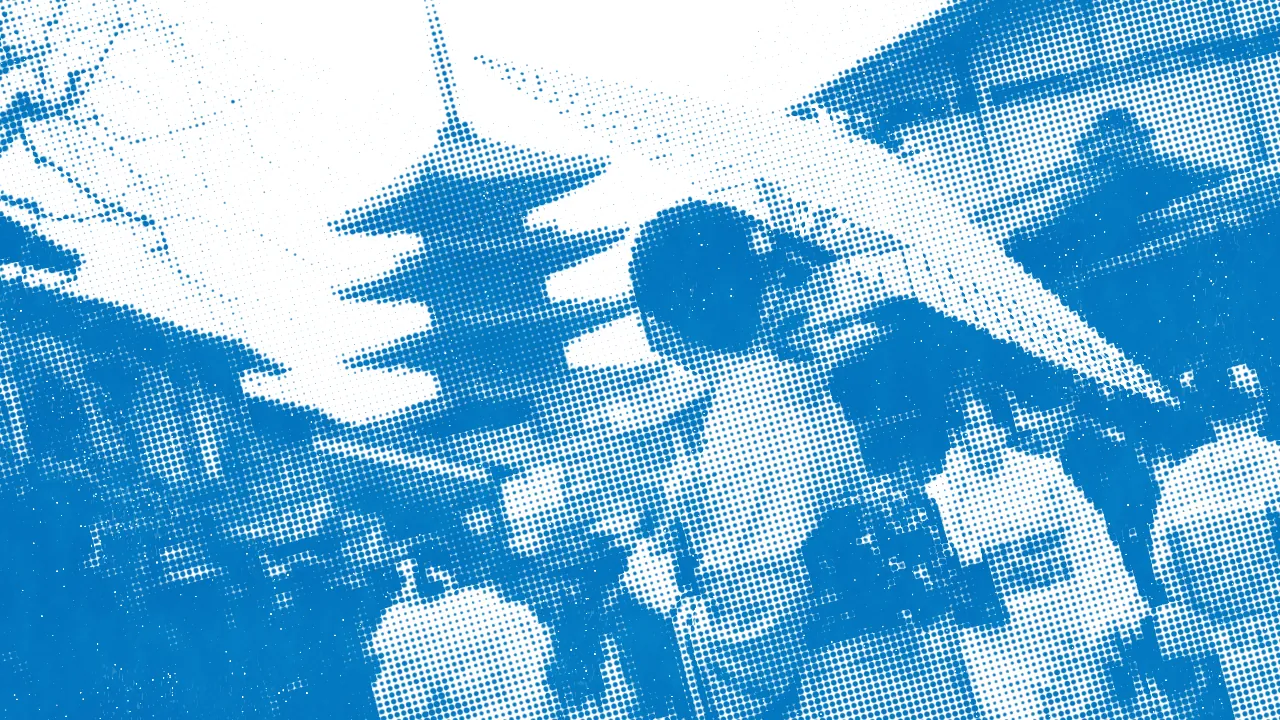
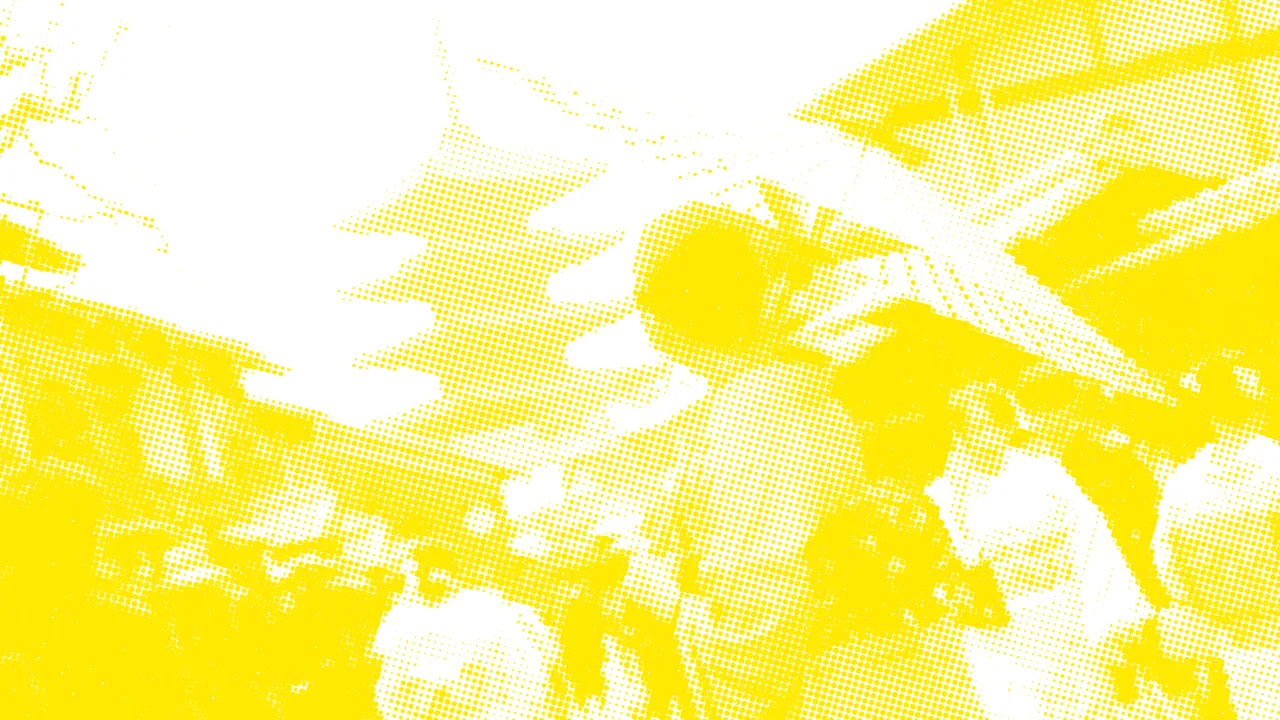
The sheet holds still while the picture moves.
Paper, grain and wear stay put from frame to frame, so only the picture moves through the print. Drag the line while the shot plays: the camera original is on its left, the Pop Comic halftone on its right.
The paper is half the print.
Eight stocks, each with its own shade, tooth and fibres, lit so the grain reads through the ink. Then let the sheet live a little: fade the ink, roughen the dots, knock the plates out of register, fold it.
Print the titles too.
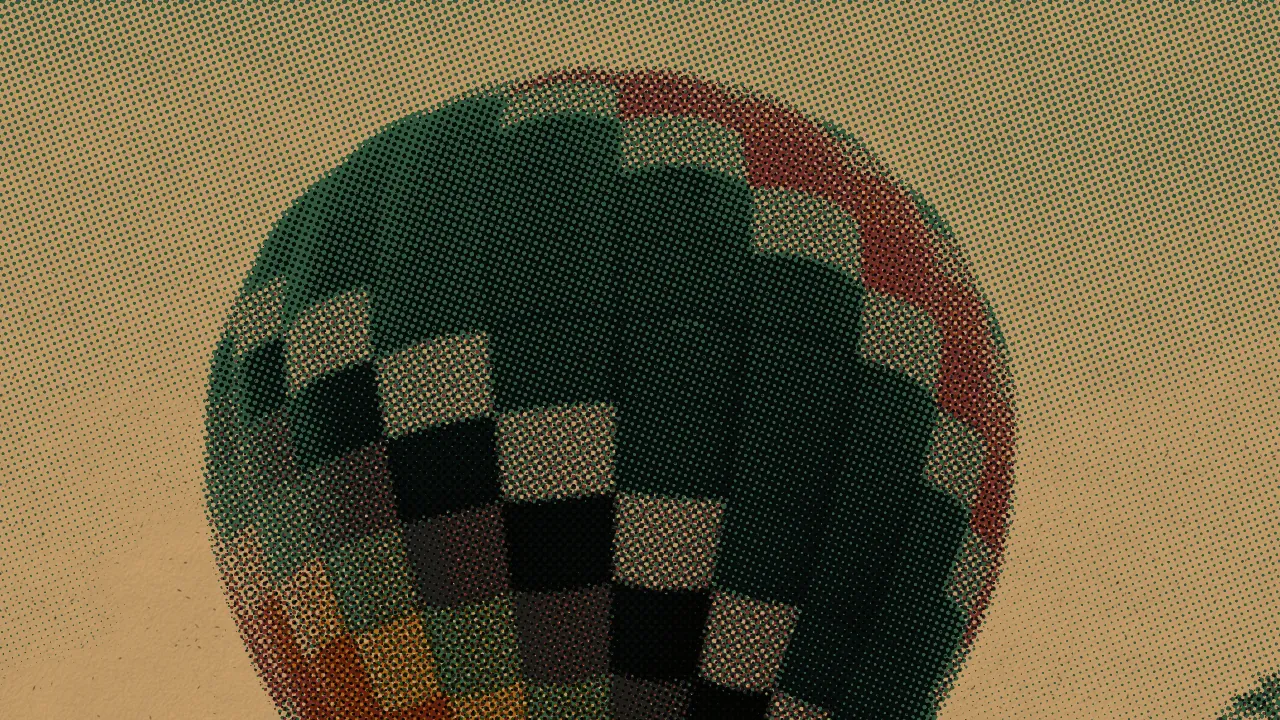
Turn on Transparent Background and Nx Press prints the ink alone, with its alpha, ready to sit over any footage. A gradient in the artwork becomes a gradient of dot sizes. Change what is underneath: the title is the same printed layer every time.
Built for real edits and real deliveries.
The same print at every size
Marks are set in lines per inch on a sheet of the width you choose. Set the look on an HD proxy and the 4K master prints the same.
Your inks
Pick any ink colours or named Risograph inks, decide how they overprint, and show one ink at a time to composite the separations yourself.
Steady, or alive
The sheet and ordered patterns hold still from frame to frame. Print Jitter makes every frame its own sheet, for the flicker of a stack of prints.
Balance before the press
Brightness, Contrast, Shadows and Highlights act on the picture before it is printed, so they move the ink and leave its colour alone.
The controls of the trade
Ruling, plate angles, device resolution, ink spread, overprint and misregistration, under the names a printer would use.
GPU accelerated
Metal, CUDA and OpenCL in DaVinci Resolve, Metal and CUDA in Premiere Pro and After Effects, Metal in Final Cut Pro and Motion.
Native to the app you already edit in.
One license covers every host on both platforms.
 DaVinci Resolve
 Premiere Pro
 After Effects
 Final Cut Pro
 Motion
macOS 11 or newer (Final Cut Pro and Motion need macOS 13). 64-bit Windows.
Print your own footage tonight.
The download is the full plug-in. It prints with a watermark until you enter a key, and one perpetual license unlocks every host on two machines.
Keep it for good.
A perpetual license for two machines, with every host on both platforms included.
Get Nx PressNew to print? The user manual gets you to a first print in a minute, shows all twenty-five Looks on footage, and has recipes for a newspaper portrait, a gig poster, a banknote and more.
Put the next shot on paper.
Apply it and the first print is already there. Pick a process, pick a Look, and make it yours.