
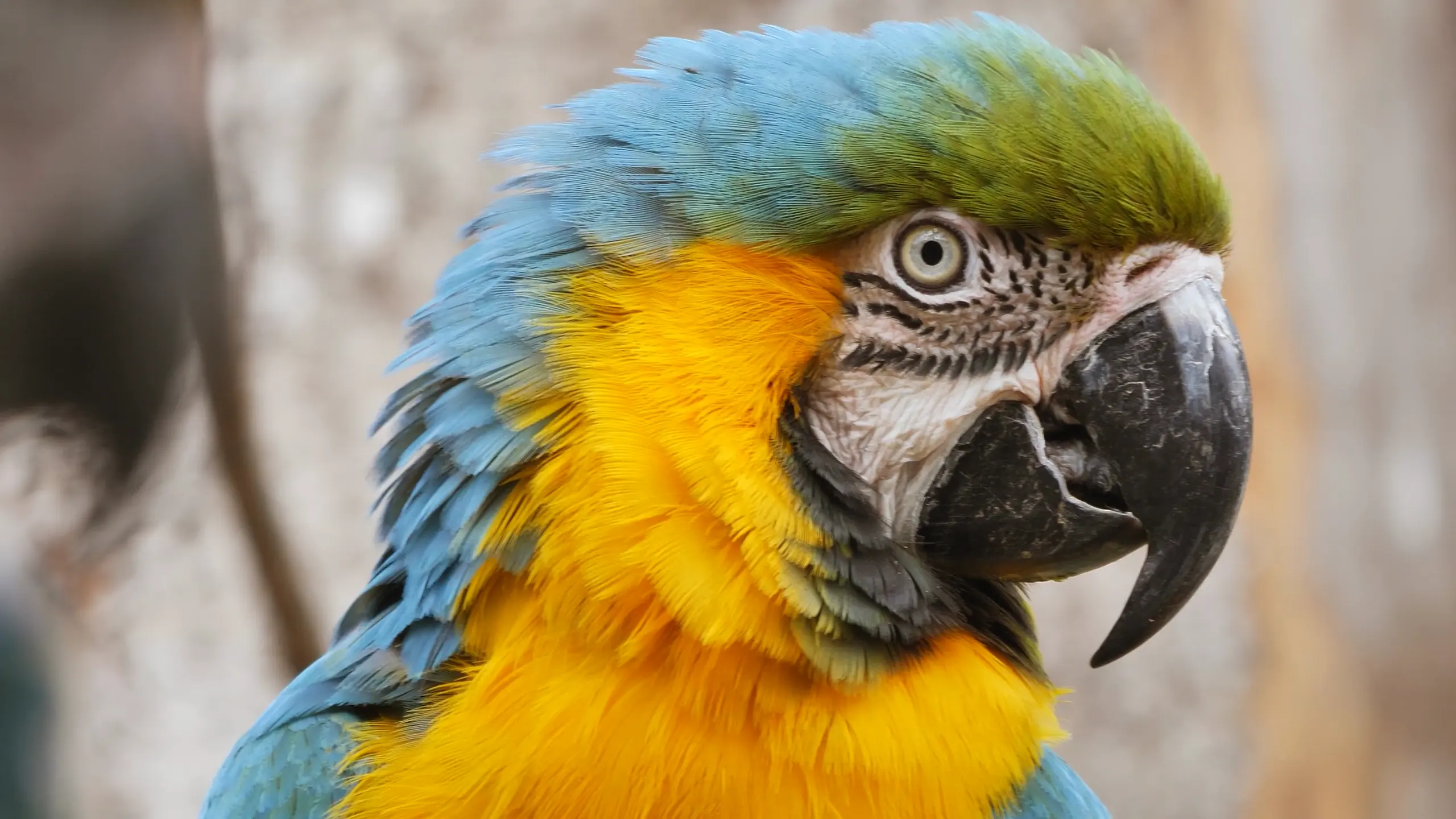
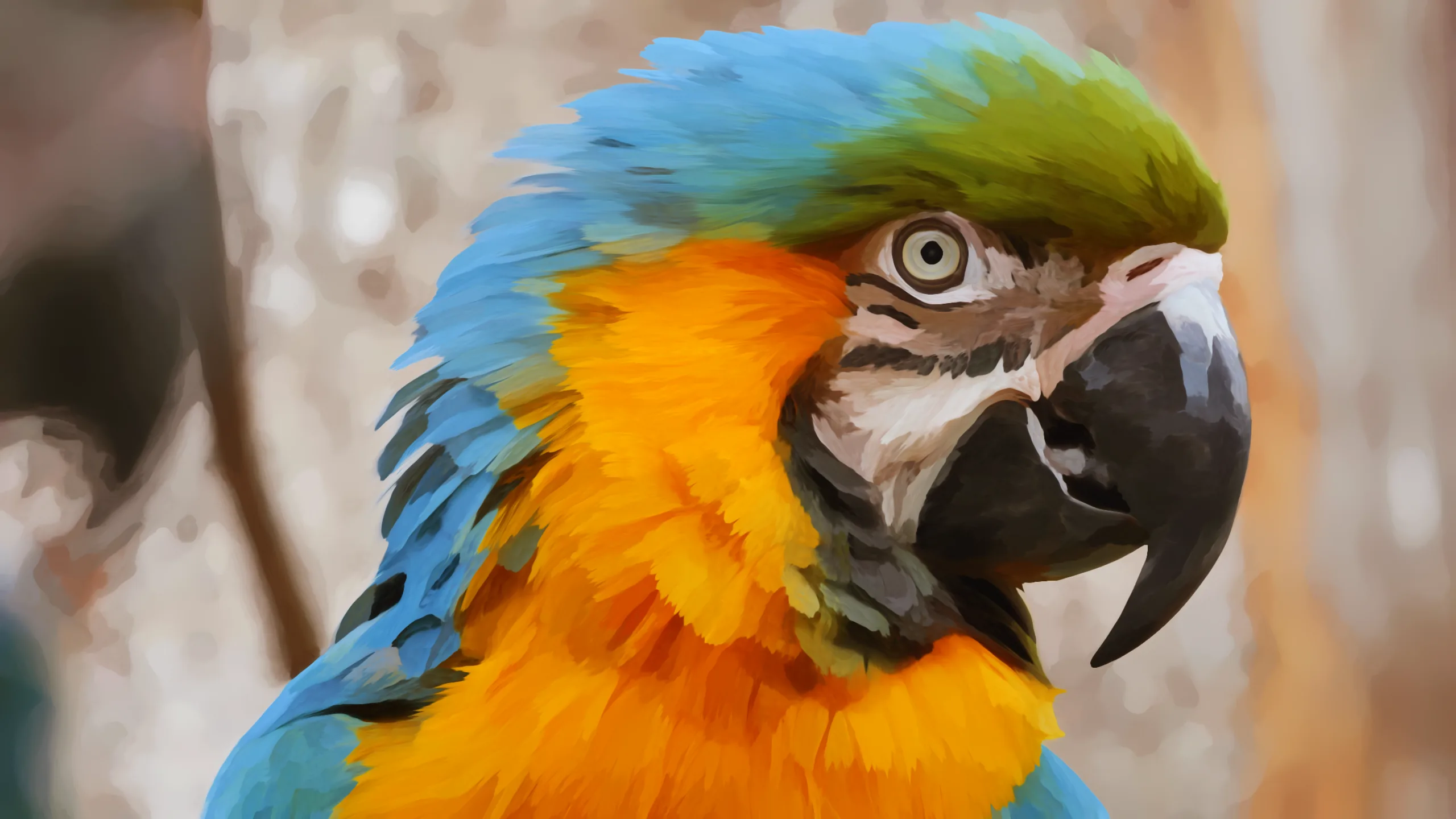
 FootageNx Kuwahara X

Paint that follows the picture.
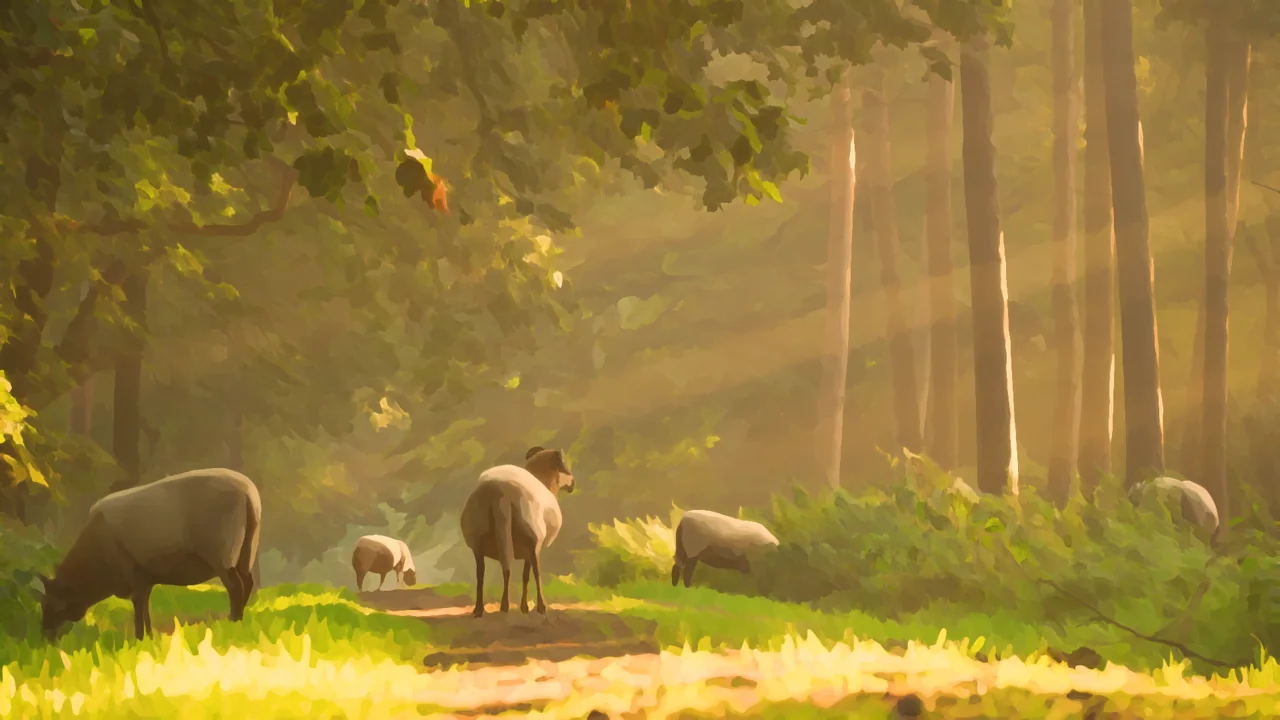
Nx Kuwahara X rebuilds your footage from brush strokes that run along hair, fur, fabric and edges, and stop where the shapes stop. An anisotropic Kuwahara filter made for moving pictures, GPU accelerated in every host.
Free to try on your own footage. One license, two machines, every host.
 DaVinci Resolve
 Premiere Pro
 After Effects
 Final Cut Pro
 Motion
Four controls do most of the painting.
Pick a control, then switch its value. Every picture here was rendered by the plugin.
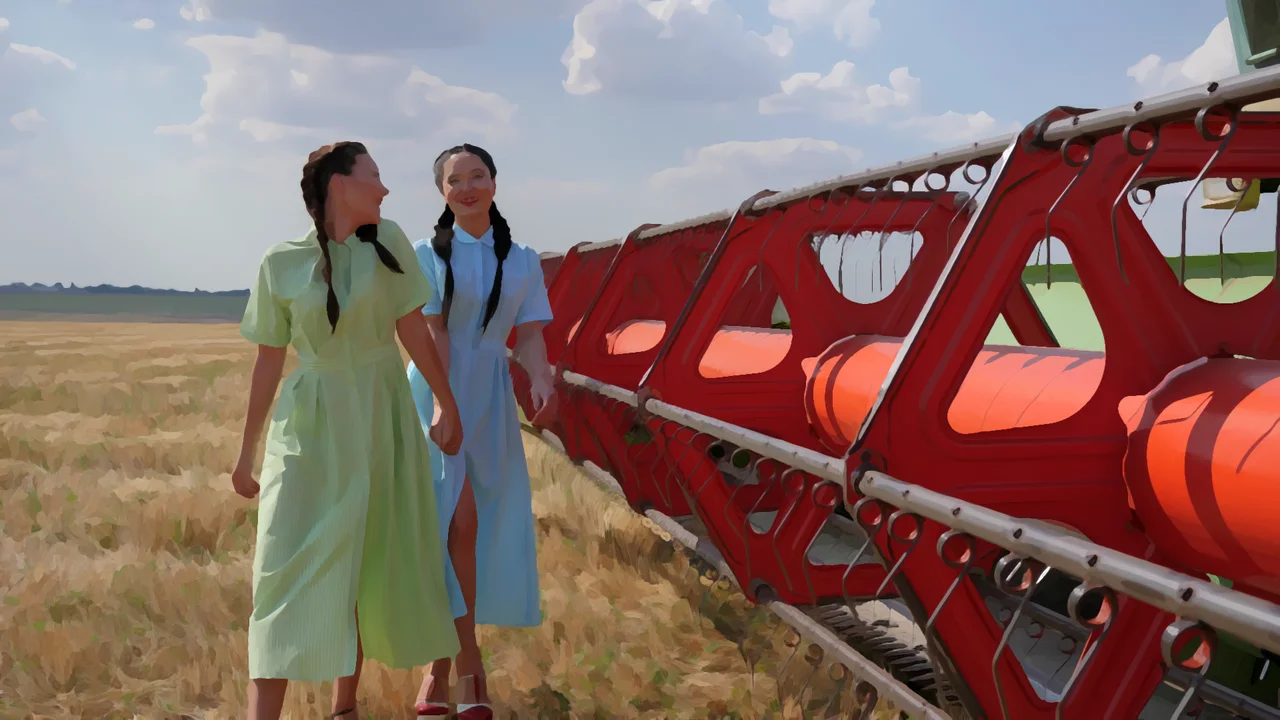
From fine detail to broad shapes.
Brush Size sets how large the strokes are. It follows the frame, so the look you set on a proxy is the look on the master.
Strokes that follow the picture.
At 0 the brush dabs in round spots. Turn it up and the strokes stretch along fur, hair, fabric and edges.
Soft washes or crisp strokes.
Low values blend neighbouring strokes into each other. High values keep the edge of every stroke, like paint laid down and left alone.
Black ink, or a shade of the paint.
Outline Ink draws a line where one area of paint meets the next. Ink Tint moves that line from black toward the colour underneath, so outlines read as darker paint instead of pen.
The rest refine it. Flow Smoothness decides how far strokes agree with their neighbours, from restless and textured to long, calm sweeps. Saturation deepens colour the way more pigment does. Preserve Texture lays the finest detail of the footage back over the paint, and Mix blends the paint over the original.
Made for footage, not just stills.
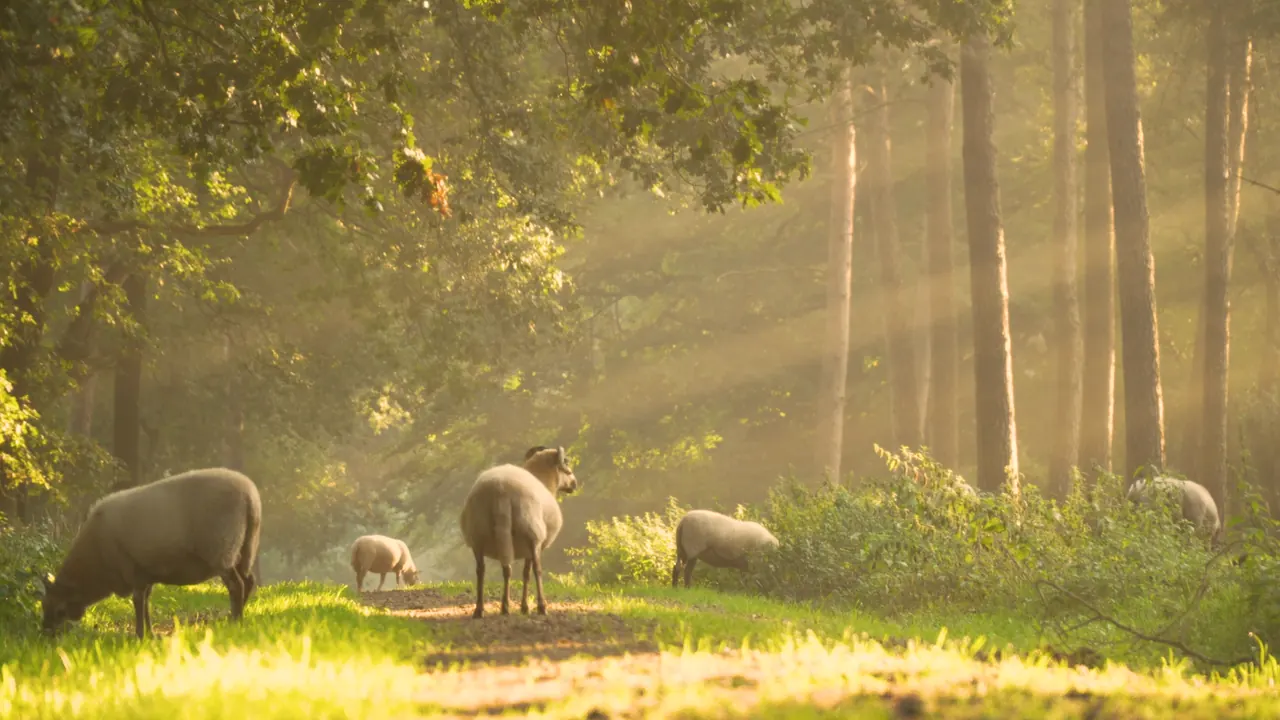
Drag the line while the shot plays. The camera original is on its left; on its right, the same frames through Nx Kuwahara X at Brush Size 16.
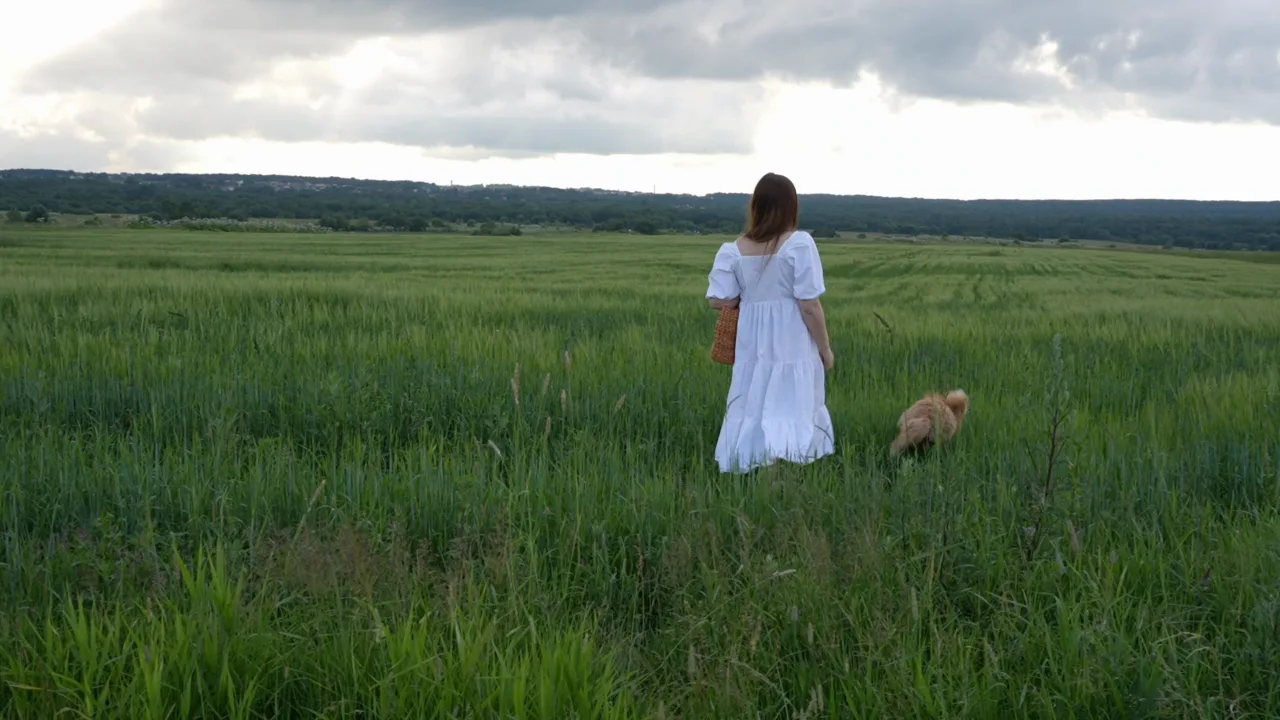
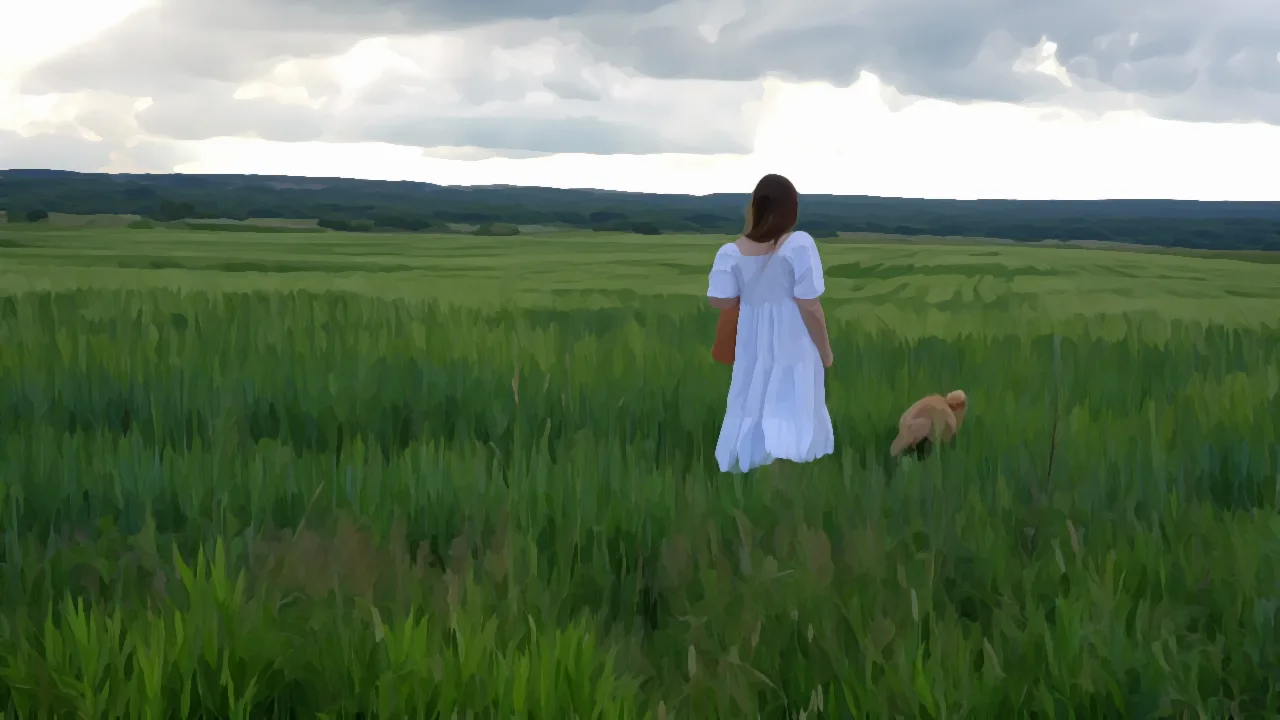
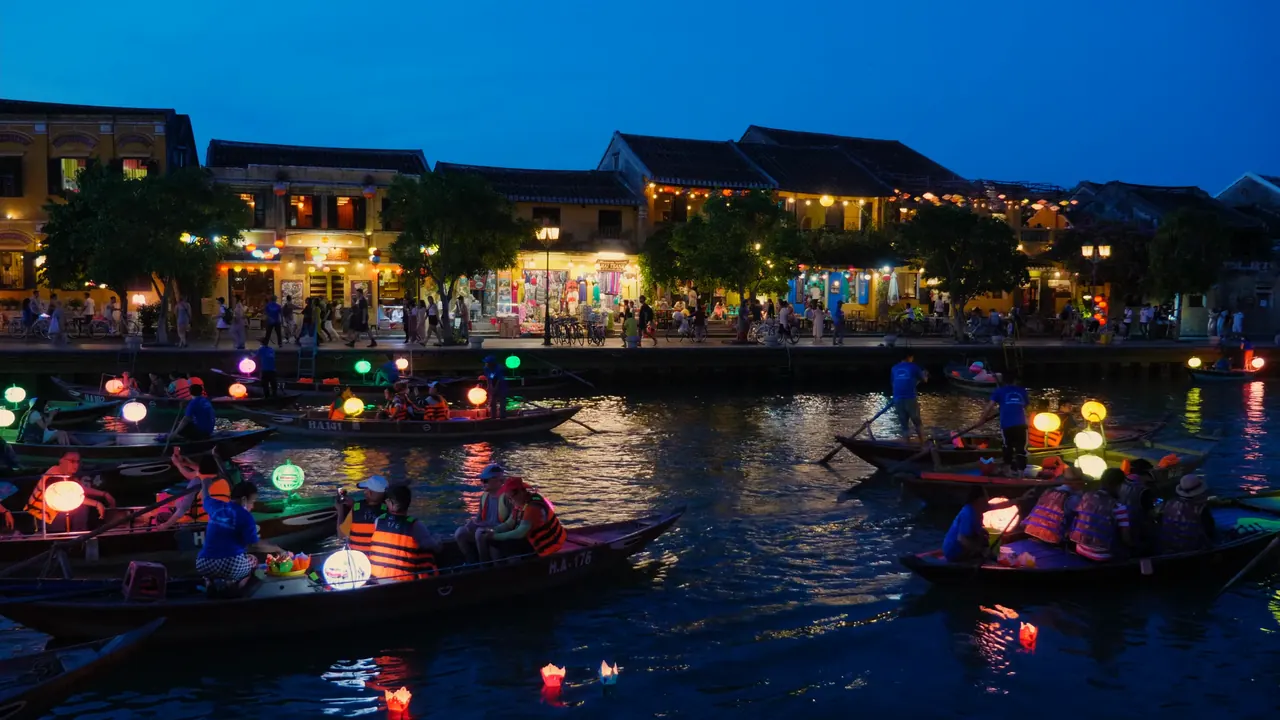
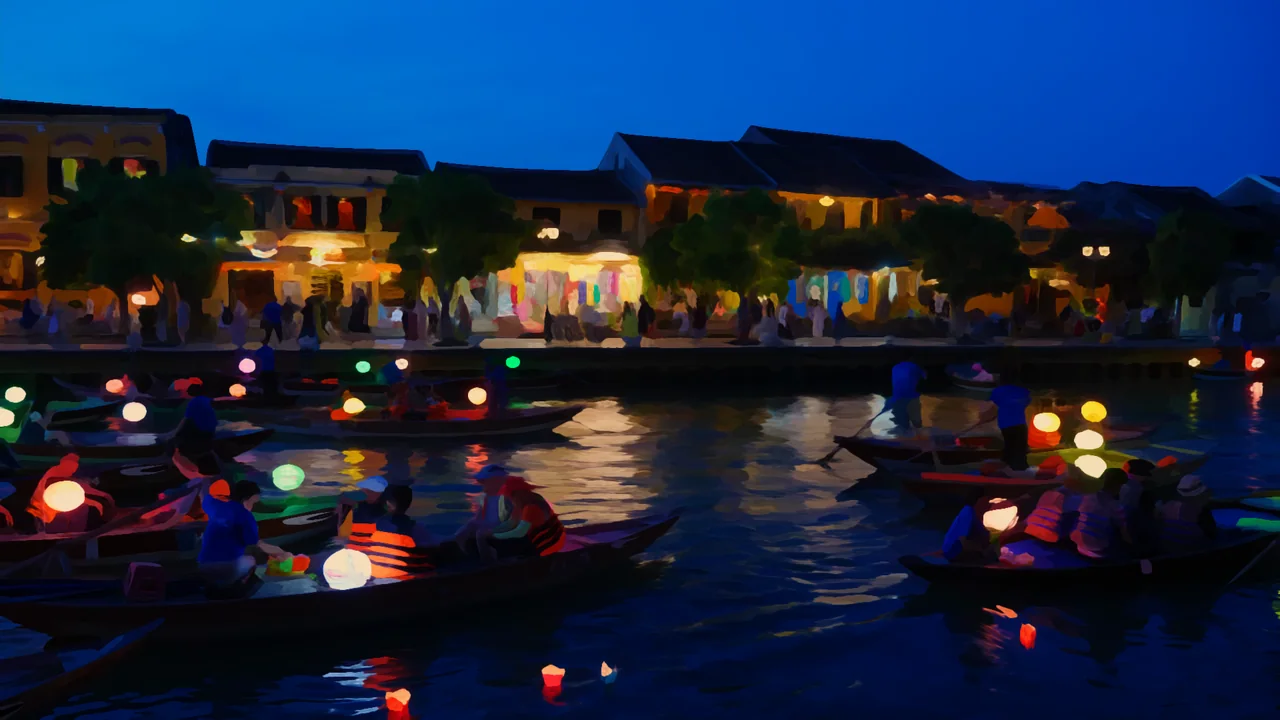
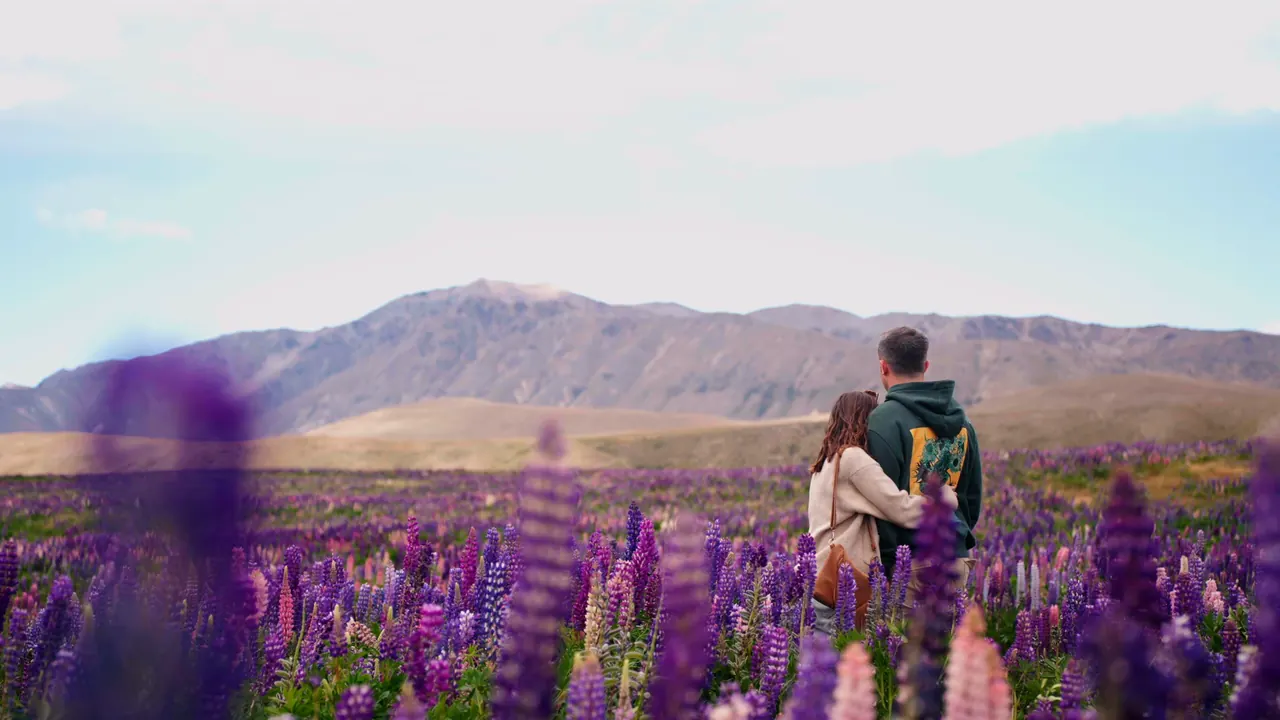
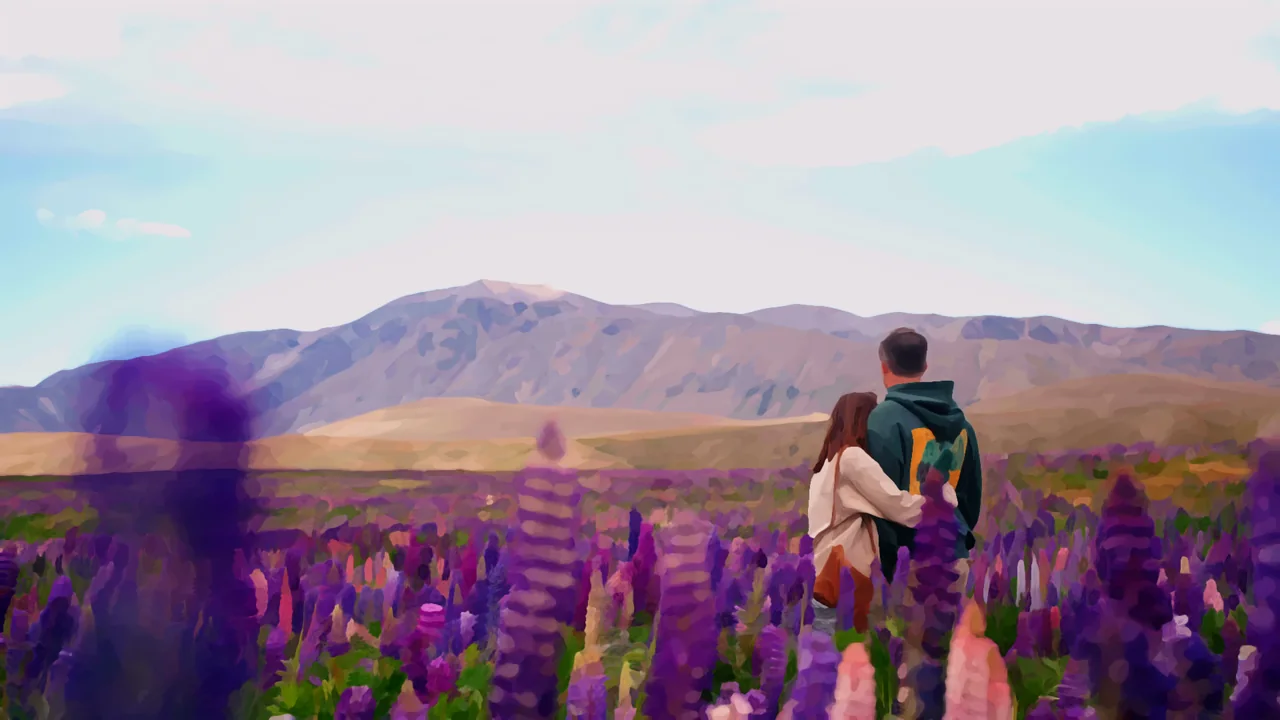
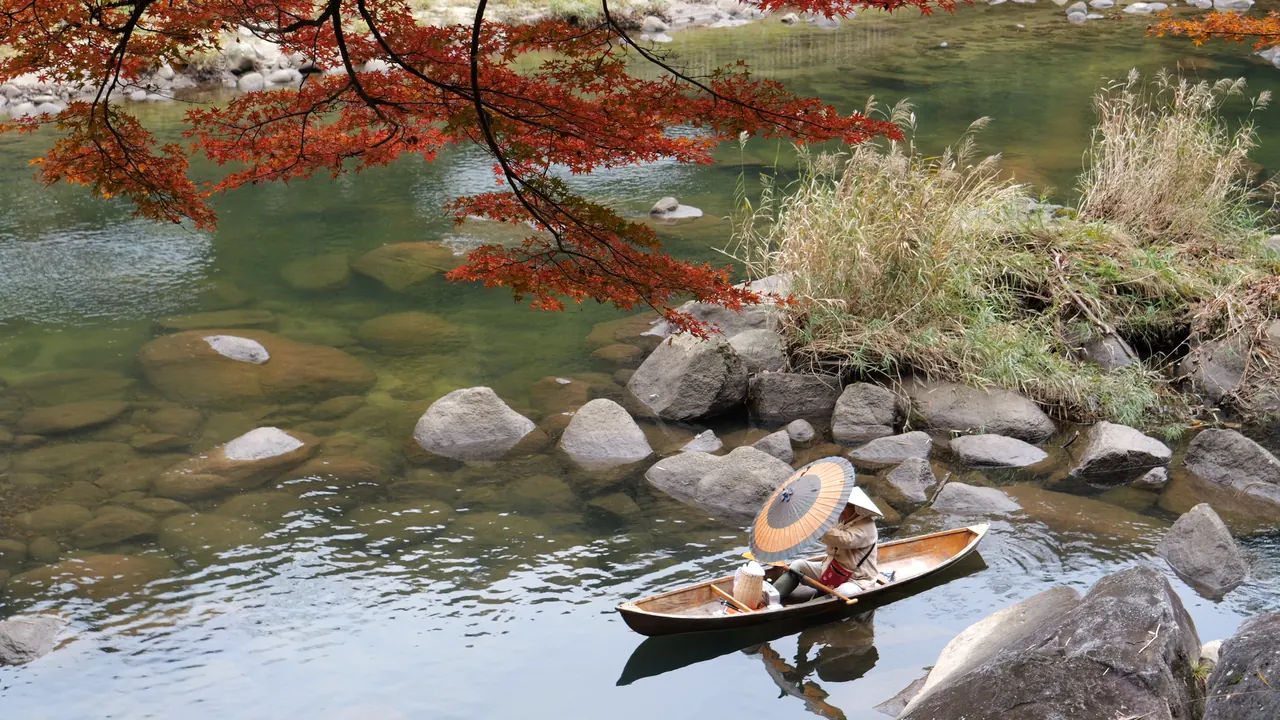
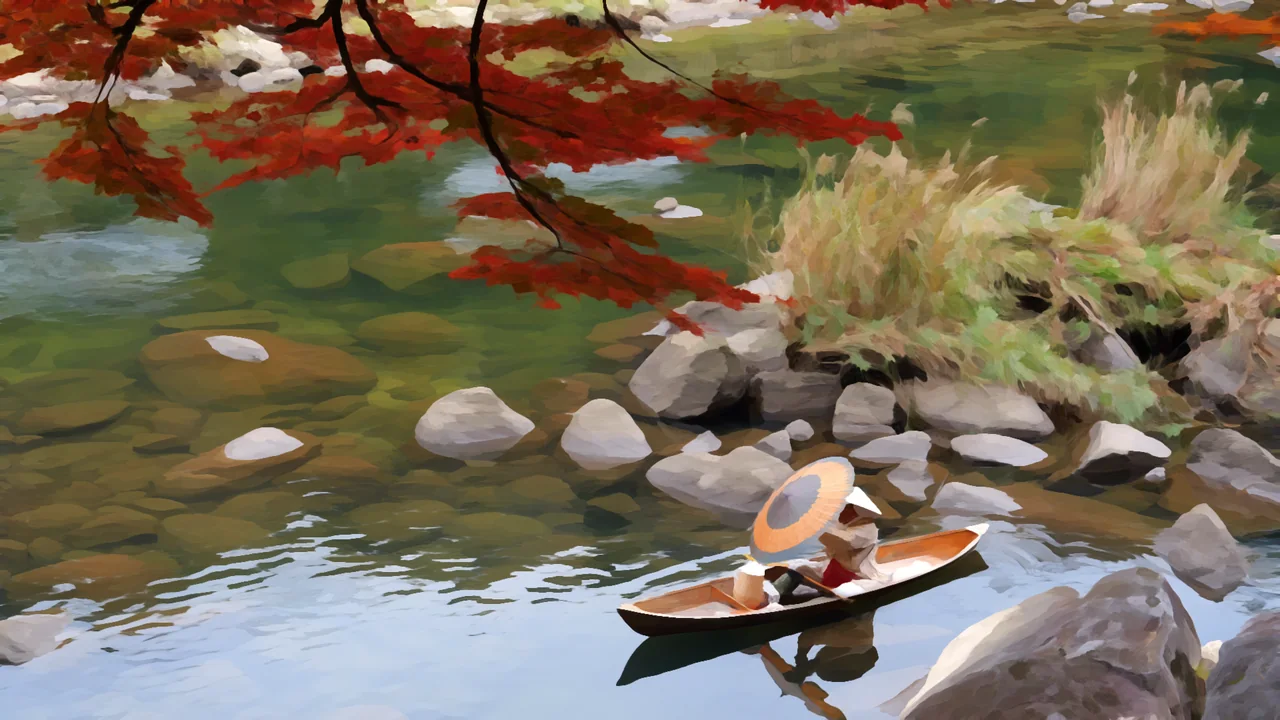
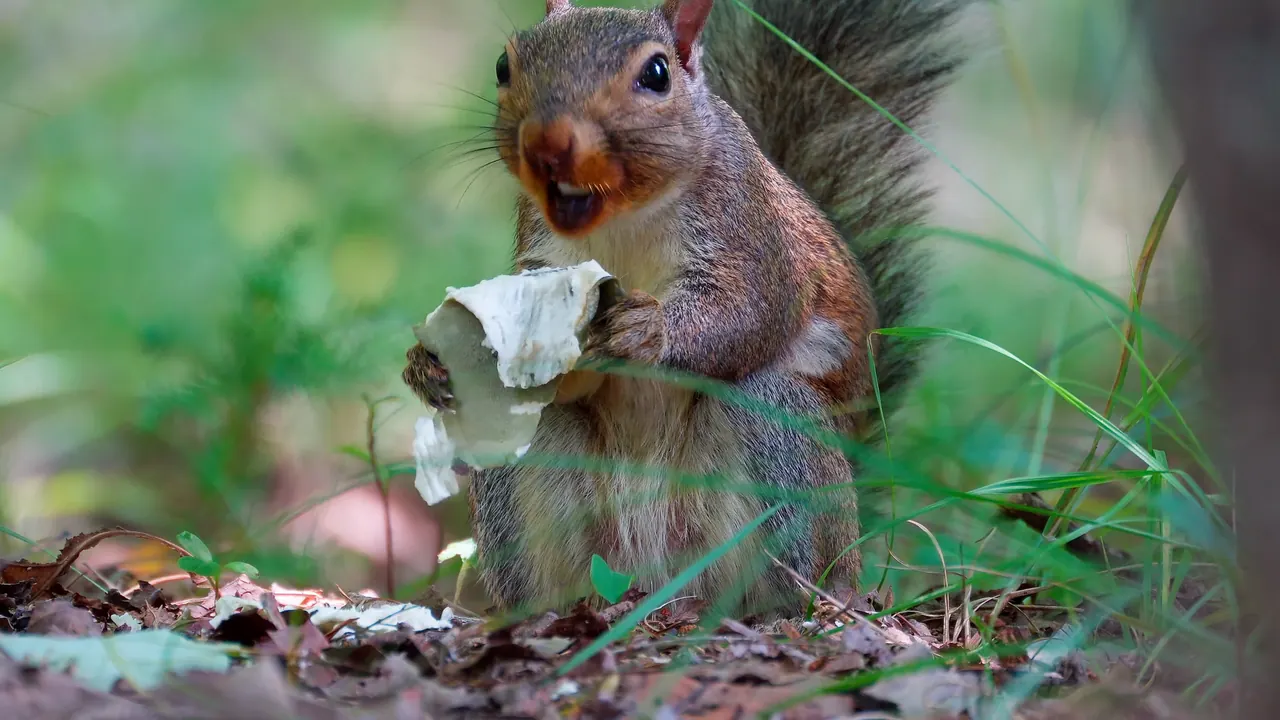
One filter, six very different shots.
Drag across any frame to compare. All six use Brush Size 14, Directionality 2 and Saturation 0.45.



Built for real edits and real deliveries.
One look at every resolution
Brush sizes follow the frame, so a look you set on an HD proxy is the look you get on the 4K master.
GPU accelerated
Metal, CUDA and OpenCL, with a multithreaded CPU fallback that paints the same way.
Faster while you work
Paint Resolution drops to half for heavy timelines and large brushes while you work, then back to Full for the final render.
Keep part of the picture
A Protect Mask input in DaVinci Resolve, and the host’s own masks in Premiere Pro, After Effects and Final Cut Pro, keep a face or a product photographic.
Clean edges
Edge Anti-Aliasing smooths the stair-steps that hard-edged strokes can leave along diagonals.
Steady on noisy footage
Noise Rejection keeps grain and sensor noise from steering the strokes.
Native to the app you already edit in.
One license covers every host on both platforms.
DaVinci ResolvePremiere ProAfter EffectsFinal Cut ProMotionmacOS 11 or newer (Final Cut Pro and Motion need macOS 13) · Windows 10 or newer
Paint your own footage tonight.
The download is the full plugin. It renders with a watermark until you enter a key, and one perpetual license unlocks every host on two machines.
Release notes·User manual·macOS 11 or newer·Windows 10 or newer
One license · every host · both platforms
Keep it for good.
A perpetual license with two machines per key, and every host on both platforms included.
Get Nx Kuwahara XNew to painterly filters? The user manual takes you through a painted shot in five steps, gives starting points for common looks, and covers every control in panel order.
Turn the next shot into paint.
Apply it, pick a brush size, and the strokes already follow the picture. Everything after that is taste.